 Migos AI Video
Basic Pack
Start with a few performances together.
$15.90 / pack
- 120 credits
- Up to 2 videos · 720p / 10 seconds
- Up to 1 videos · 1080p / 10 seconds
- One-time purchase, no auto-renewal
- Create videos featuring two people
- English and Chinese interface
Put you and your friend in that orange room. Confirm your characters first, then create your duo performance.
Upload two photos → choose quality and format → create a 10-second duo video.
Download and regenerate are available when your video is ready.
ACTUAL GENERATION TEST
These are actual 10-second, 1080p outputs from our accepted Kling workflow test, using the two portraits shown. One portrait pair, two formats; selected test results are not a guarantee of every generation. Web previews are compressed for playback.
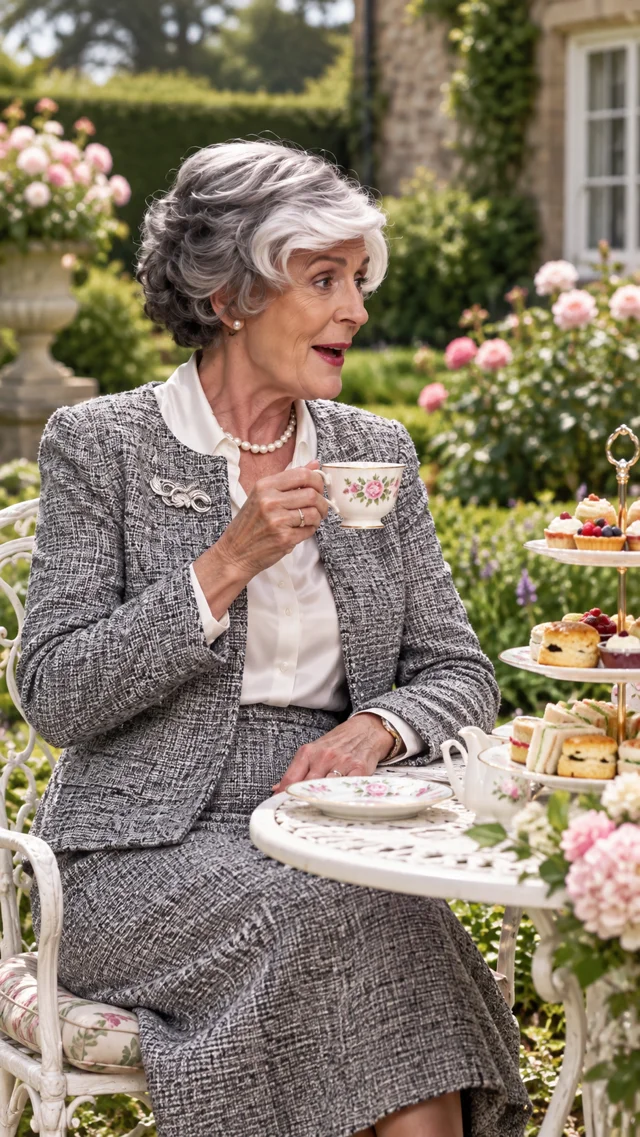
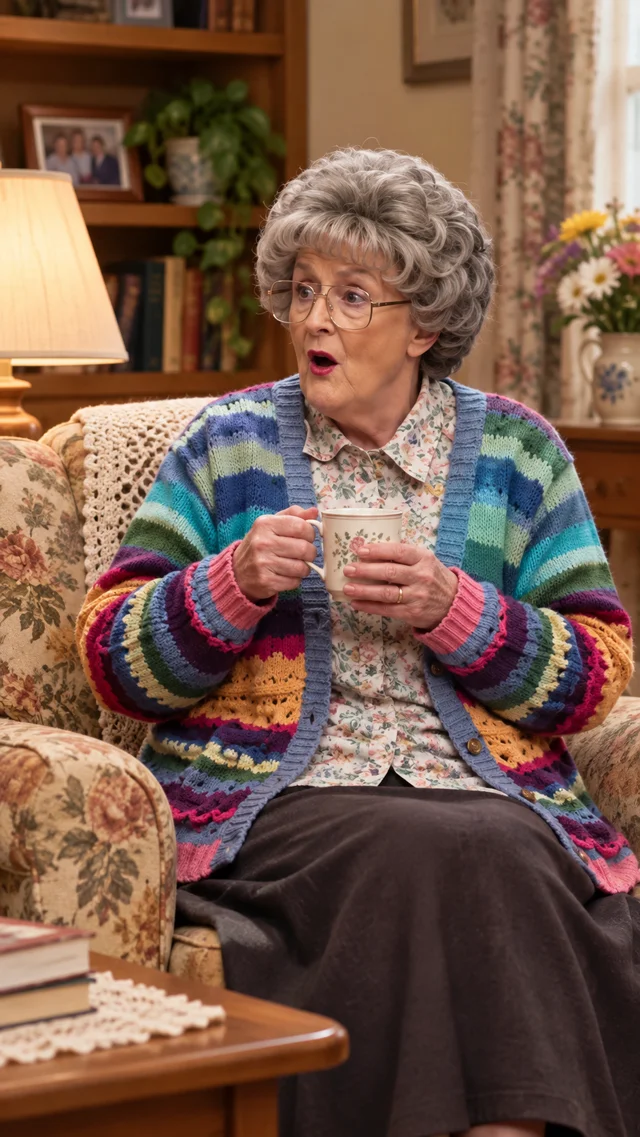
THE ORANGE ROOM
Explore the orange-room duet style before making it your own with two portraits. These clips are style references, not results generated from your photos.
HOW IT WORKS
Add a clear photo of yourself and one of a friend who has agreed to take part. One person per photo works best.
Check who is on the left and who is on the right. Confirm both portraits before starting your performance.
Choose 720p or 1080p and a 4:3 or 9:16 frame. Replace both performers in the fixed 10-second template, then preview and download. Available options are shown in the studio.
SAME ROOM. YOUR ENERGY.
The Hotel Lobby AI trend puts two familiar faces into an orange-room performance. Use this photo-to-video generator to create your own duet: choose two portraits, assign left and right, and confirm your characters. Migos AI is an independent tool, not affiliated with or endorsed by the artists behind Hotel Lobby.
Make your duoCREDIT PACKS
Three one-time credit packs for your next duo performance.
Loading
Start with a few performances together.
$15.90 / pack
More credits for more moments together.
$39.90 / pack
Our lowest price per credit for frequent creators.
$99.00 / pack
All prices are in USD. One-time purchases, no auto-renewal. Each 10-second duo video costs 51 credits at 720p or 68 at 1080p; 9:16 and 4:3 cost the same. Counts assume all credits go toward one quality and cannot be added together. Sign in to generate with credits.
Prices are in USD before applicable tax. By purchasing, you agree to the Terms and acknowledge the following policies. Terms of Service · Privacy Policy · Refund Policy
A FEW THINGS TO KNOW
Migos AI is a photo-to-video tool at migosai.dev for creating Hotel Lobby-style orange-room duet videos. Add two portraits, confirm the left and right characters, and generate a performance. The example clips show the intended style, not a guaranteed result.
Upload one portrait for each person and confirm their identities. Choose the quality and frame, then replace both performers in the fixed 10-second source while preserving their actions, clothing and faces as closely as possible. Preview and download when ready. Availability is shown in the studio.
Use two clear portraits with one visible face per image, good lighting and minimal obstruction. JPEG, PNG and WebP images up to 10 MB each are supported. Only upload photos you have permission to use, with the consent of everyone pictured.
It lets you check which portrait belongs on the left and which belongs on the right before generation. This is your manual confirmation, not an automated identity-verification service or a guarantee of an exact likeness.
Examples are free to browse. A complete 10-second duo video costs 51 credits at 720p or 68 at 1080p, with the same price for both aspect ratios. Credits are reserved once on submission and refunded once if generation fails. Status checks and downloads are free; regenerating creates a new chargeable task. Sign in to generate with credits.
Timing depends on the provider queue and clip length; there is no fixed completion time. Check the job status in the studio or My Videos. Credits are returned when a task is confirmed failed or canceled. A network interruption can leave a task pending, so check its status before submitting again.
No. The studio uses a built-in orange-room duet template with your two portraits and their left and right positions. You can add a wardrobe preference without writing a full prompt. AI results may vary between generations.
When generation finishes successfully, open the completed result and use Download. You can also find saved results in My Videos while signed in to the account that created them. Pending or failed jobs do not have a completed video to download.
No licensed Hotel Lobby track is included. Generation requests original instrumental rhythm and performance ambience; the resulting audio can vary. Use only music you have the right to use if you edit or share the video elsewhere.
Exact likeness is not guaranteed. Clear, unobstructed portraits help, but AI can change facial details, clothing and movement. Review the completed video before sharing and make sure both people are comfortable with the result.
Pick your portraits. Confirm your characters. Make the moment yours.